
In EntryScape 3.19, the main menu has been redesigned and collapsible. Terms has a new look with a new tree view and list view for terminologies that you can easily switch between. You can also organize terminology concepts in your own custom order. In Models, you can now edit your classes and forms directly from the diagram, via a new side panel.
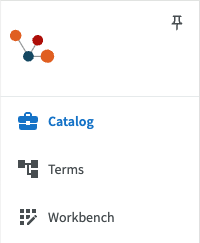
New collapsible main menu
EntryScape’s main menu is redesigned and collapsible so you just see the icons. You can choose whether to see just the icons or the full menu with the module names. Using the little pin button, you can choose to pin the menu in its expanded state.
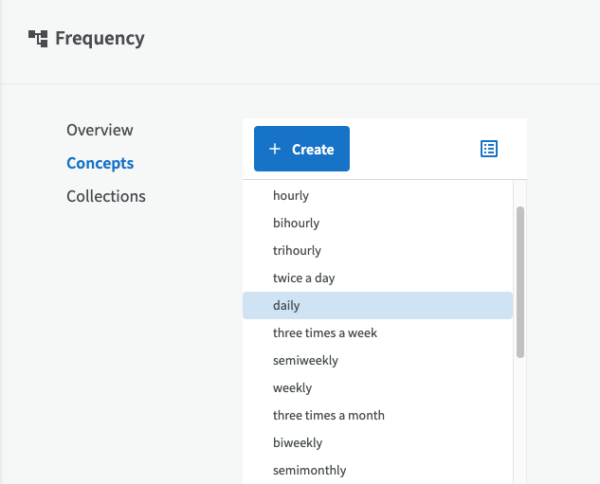
New tree view and list view in Terms
Terminologies in Terms have a new look. You can choose to display concepts in either a tree view or a list, and easily switch between the different views.
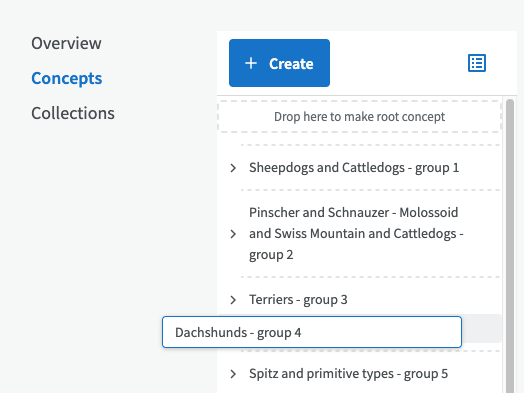
Sort your concepts in a custom order
You can also sort your terminology concepts in a custom order, instead of the alphabetical order used until now, via the “Enable custom order” button. You can then drag and drop concepts into the order you want.
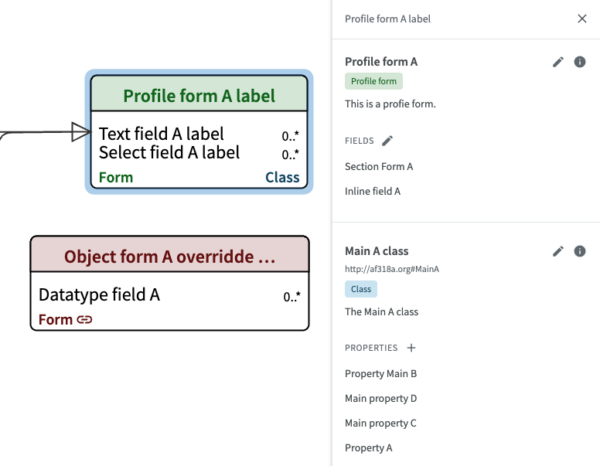
New ways to edit diagrams
EntryScape Models now offers new ways to work with diagrams. You can create and edit classes and forms directly from the diagram, via two new side panels.
More improvements
Try EntryScape Free? Click here!
You can test the new version for free on EntryScape Free with EntryScape Catalog and EntryScape Terms!
Open development for information and data management!
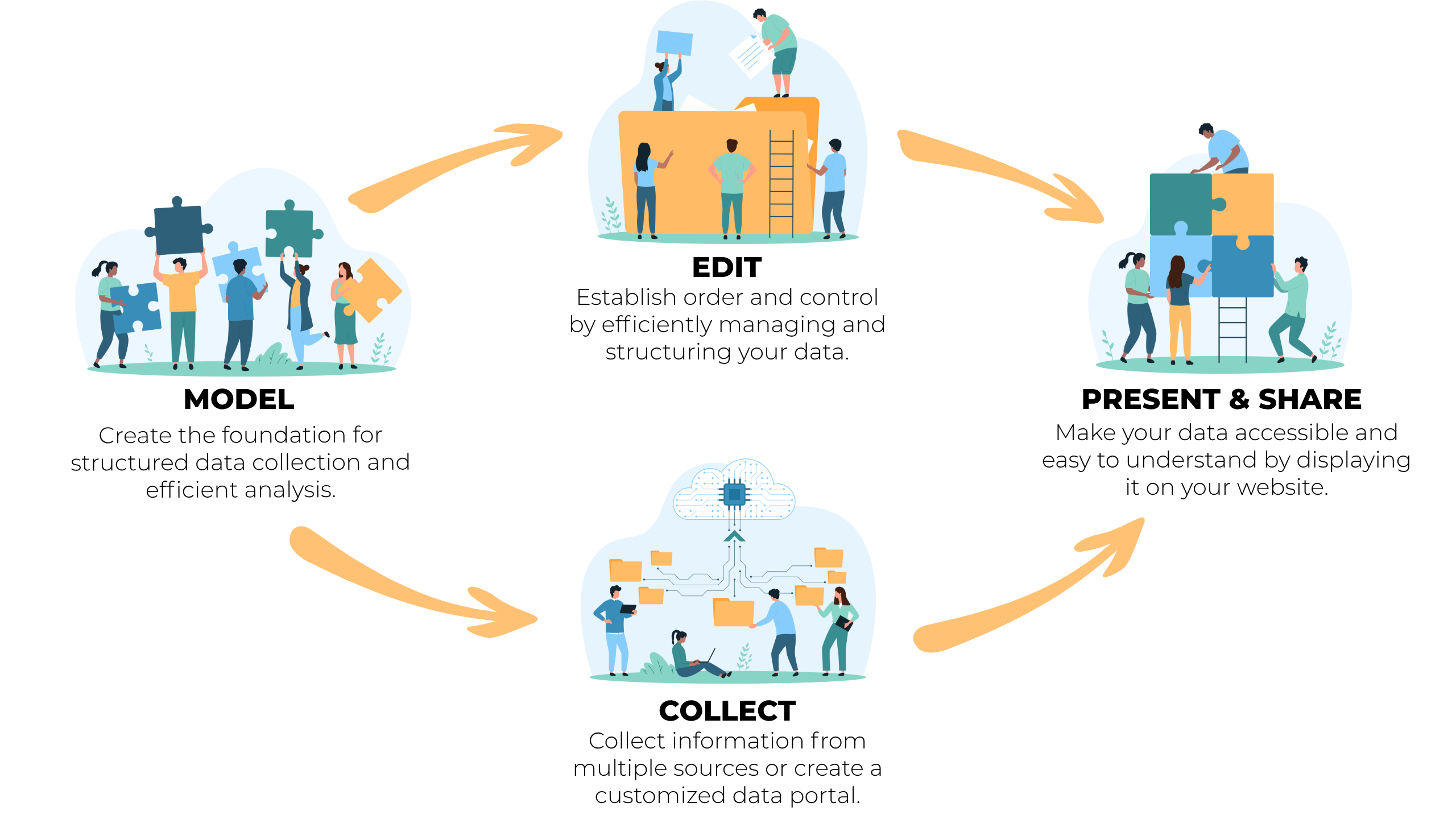
EntryScape is an open source software for smart information management. Since 2014, EntryScape has evolved to become the market-leading solution for metadata, open data, internal data and shared data in Sweden. As EntryScape grows, new updates are regularly released. Here we describe the improvements with the latest version.
If you want to dig into the details, you can read more about all the issues in the release with new functionality, bug fixes, changes and more on our open project management and source code hosted at Bitbucket.
You can read more on our website about EntryScape Free and test it for free. You can read the changelog with all highlighted changes here. If you are interested in reading about issues, including bug fixes related to this version of EntryScape – read more here.